Why it happens
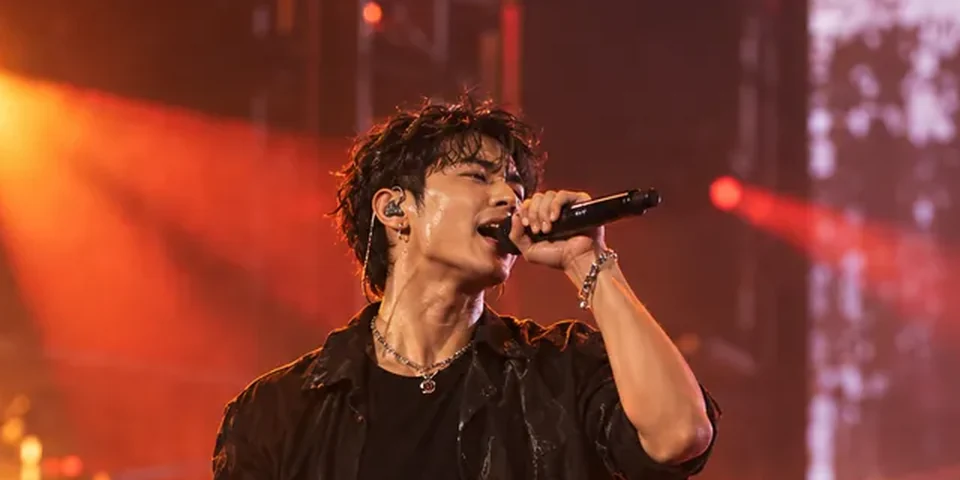
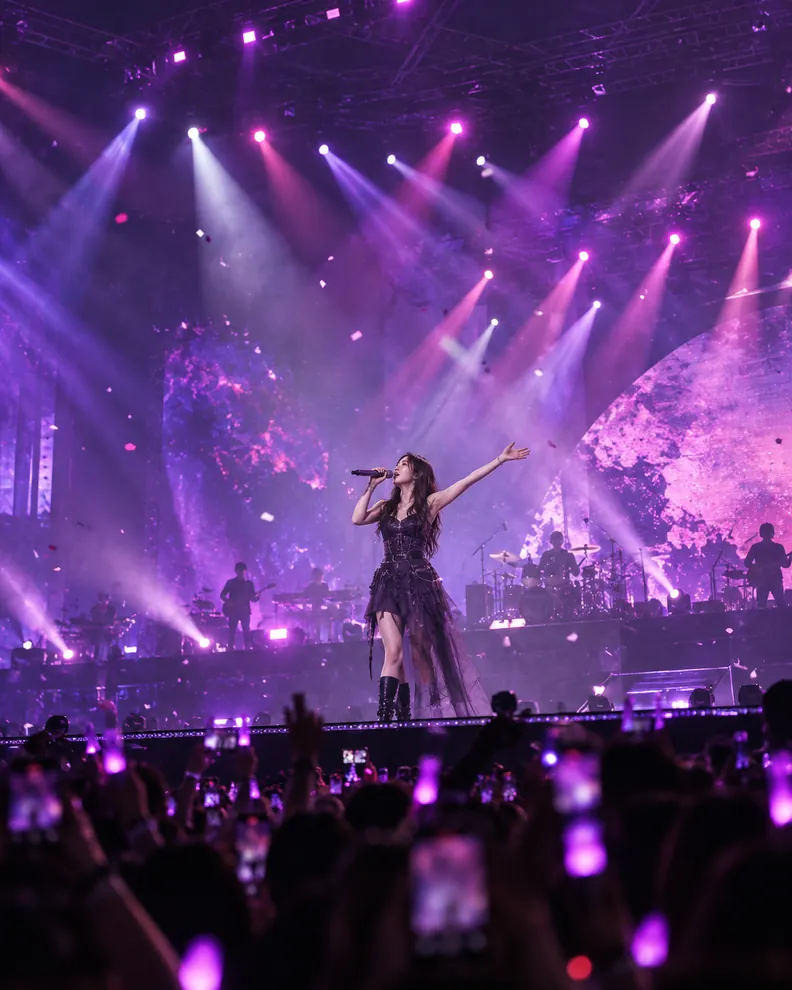
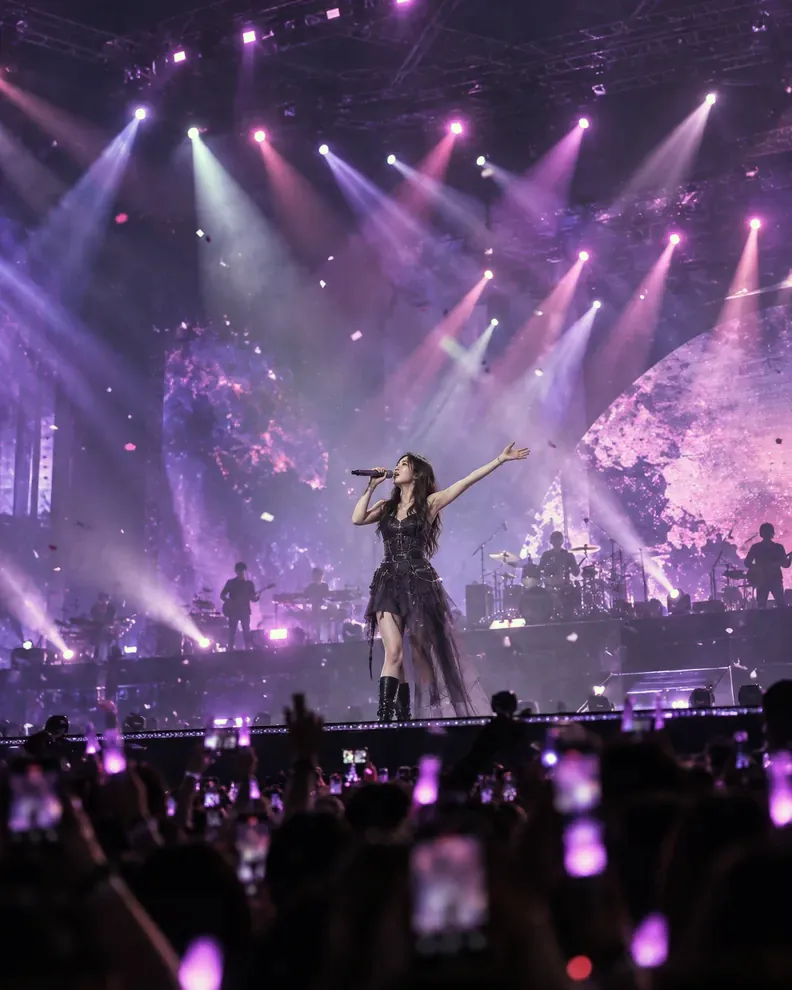
Magenta lighting can produce relatively strong red and blue with less green information. When other colors are missing, the camera cannot accurately capture natural skin tones.
Try these steps
- Upload a purple-lit concert photo where the subject is still reasonably clear.
- Select “Rescue once” and compare the face against the background.
- Try another pass only if needed. If skin looks green or gray, use “More natural” or undo.
- Fine-tune correction strength and atmosphere. Decide whether a gentle purple cast, filter, or monochrome tells the story best.
What to keep in mind
Purple stage lighting is often intentional. Improving the separation of a face from the background can matter more than making the whole scene neutral.
A face washed out to a flat pink or purple block may lack the detail needed to recover realistic skin texture, even after careful editing.
Common questions
Why does the picture become slightly green?
Reducing excess magenta can make green relatively prominent. Try a gentler correction or undo the last step.
Is monochrome a good option for purple stage light?
Sometimes. It can create a more natural sense of shape when color information is weak, but it cannot restore lost detail.
Important: Color information that was clipped or never captured cannot be completely recovered by editing.
🔒 Photos are processed on your device. Your originals are not uploaded for editing.