Why it happens
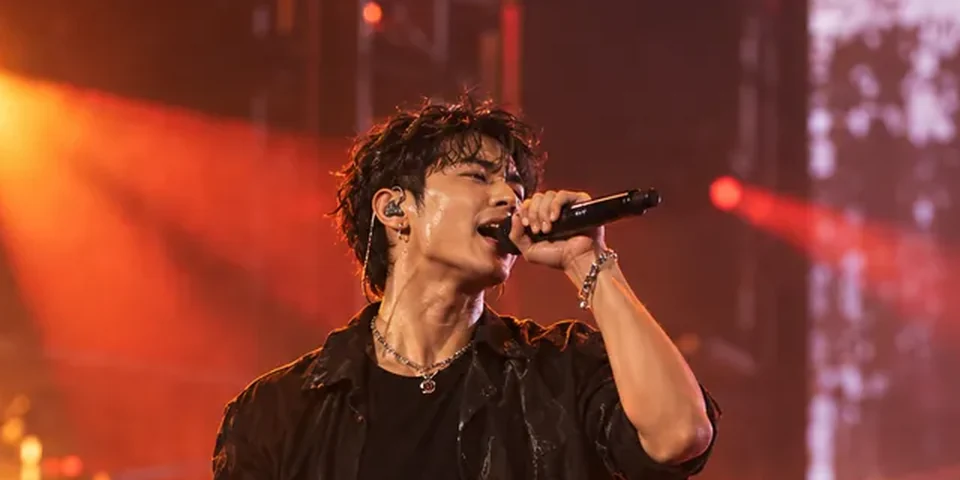
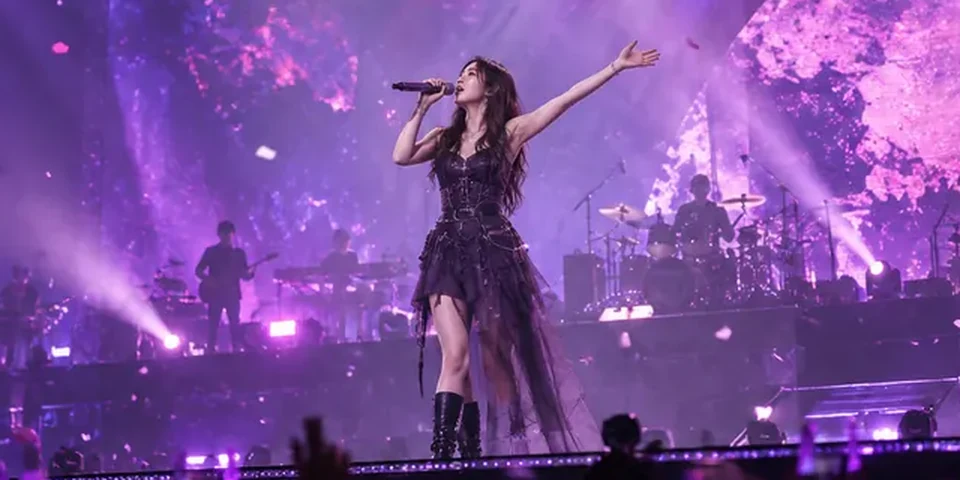
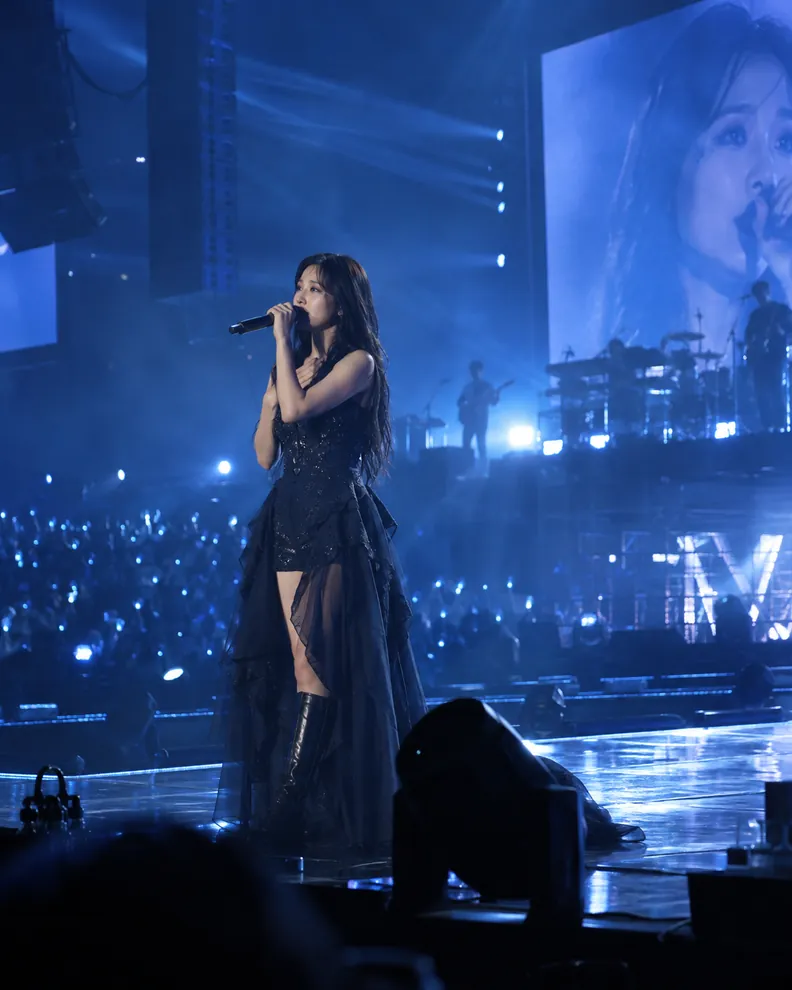
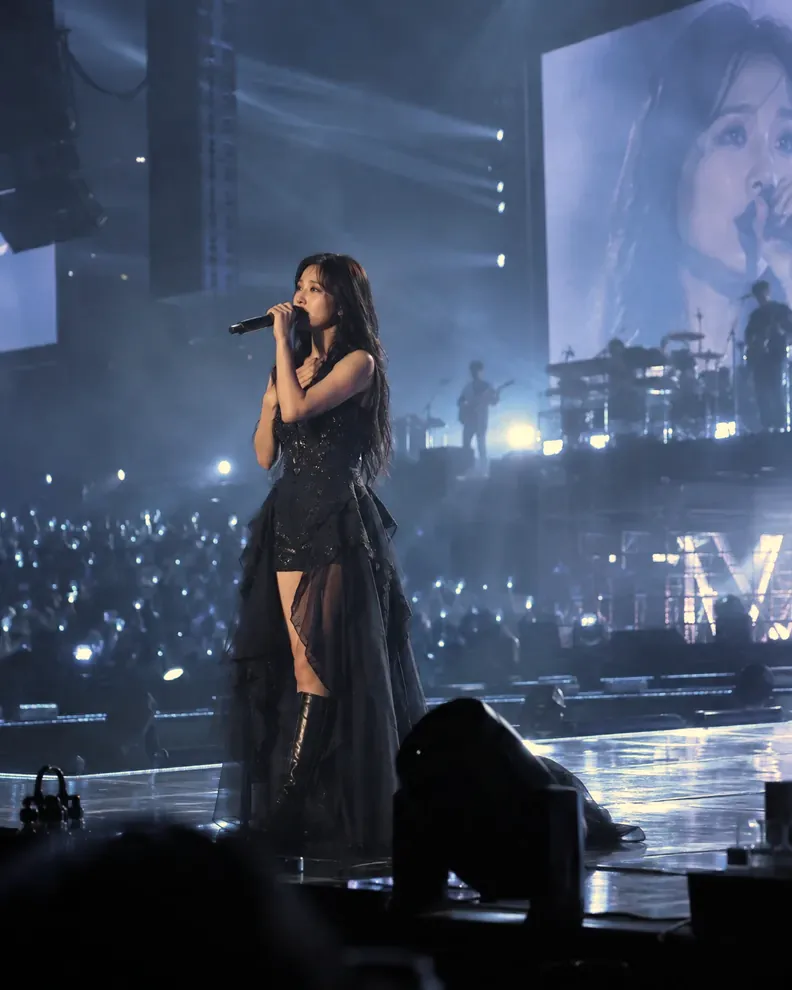
Under blue or cyan light, the camera may record much more blue than other colors. If little red information was captured, editing cannot reconstruct every original skin tone.
Try these steps
- Upload your photo and locate which areas of the face, hair, and background are affected most.
- Choose “Rescue once”, then use the comparison slider to inspect the subject and tonal range.
- Only try another pass if needed. If the image becomes yellow, gray, or lifeless, choose “More natural” or undo.
- Keep some cool stage atmosphere with the advanced control, or try a monochrome version when color data is limited.
What to keep in mind
Compare the subject and the stage background. If only the background is illuminated blue, you may not want to neutralize the whole image.
Deep shadows without captured detail and blown-out blue highlights cannot be fully rebuilt by color adjustments alone.
Common questions
Why does a corrected blue photo turn yellow?
Balancing strong blue lighting can make warm tones more prominent. Reduce correction strength or use “More natural”.
Will color correction recover details from completely dark areas?
Not necessarily. The tool focuses on color casts and tones, not recreating image information that was never recorded.
Important: Color information that was clipped or never captured cannot be completely recovered by editing.
🔒 Photos are processed on your device. Your originals are not uploaded for editing.